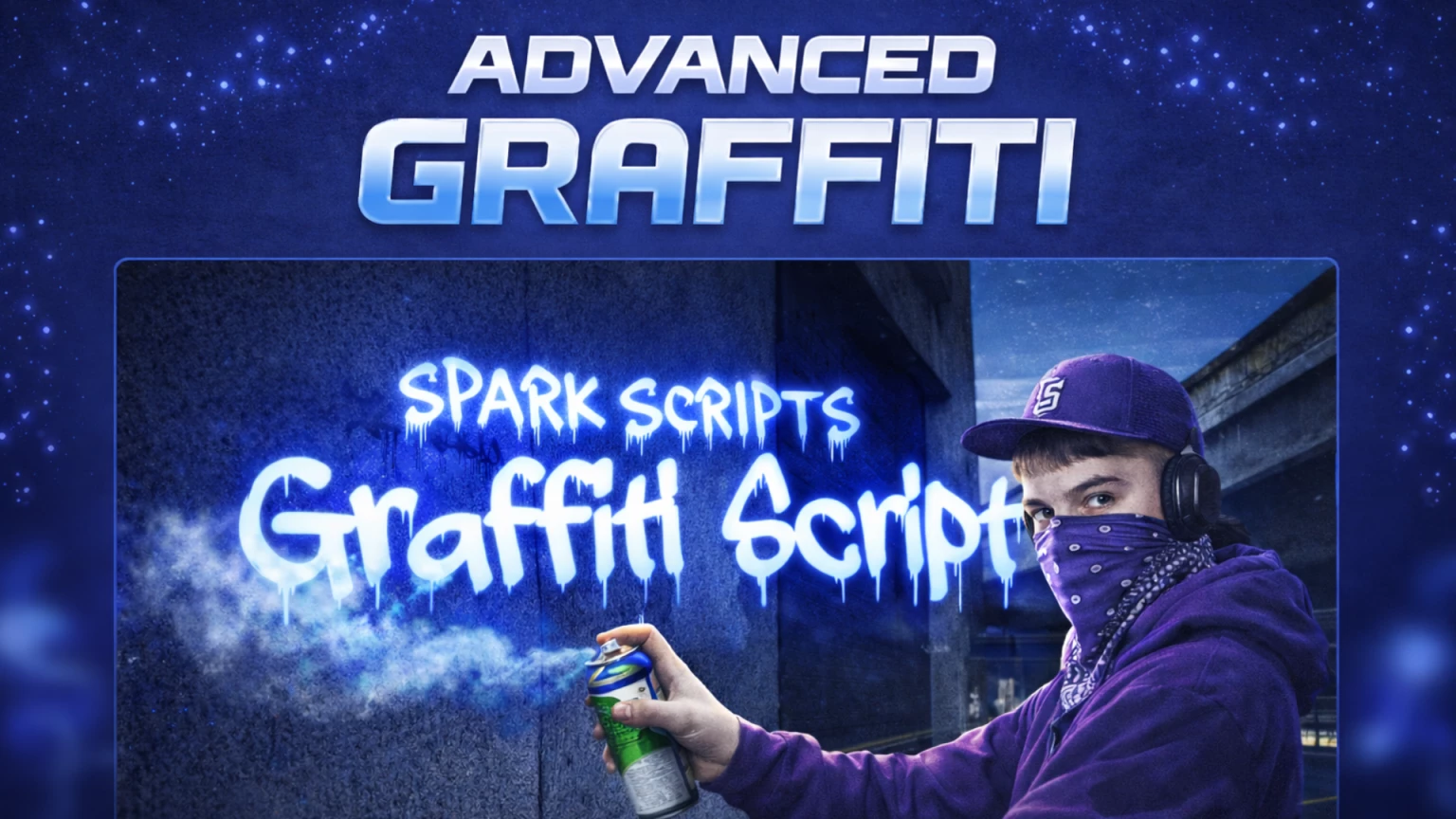
SS-GRAFFITI — Graffiti Script for FiveM
Full graffiti system for your FiveM server: players spray custom text on walls, choose fonts and colors, and admins manage everything from a dedicated menu. Discord webhook logs every spray with player info and exact text.
Features for players
- Spray graffiti — Use a spray can item to place text on walls. Aim at a valid surface, choose your text, font, and color in the UI, scale with the mouse wheel, then confirm to spray.
- Multiple fonts — Several fonts included (from the stream folder). You can add or change fonts in the config; each has a display name and scale/width.
- Colors — Pick from presets or use a color picker. Default color is configurable.
- Remove graffiti — Use a cloth item near a spray to wipe it. Only your own spray or (depending on logic) any spray within range.
- Text rules — Blacklist: words that are always blocked. Whitelist: if the list is empty, players can write anything except blacklisted words; if you add words (e.g. crew names), only those words are allowed.
- Auto-delete — Sprays can automatically disappear after a set time (e.g. 48 hours) so the map doesn’t fill up forever.
- Hints — In-game hints (e.g. scroll = scale, E = spray, Backspace = cancel) in English.
Features for admins
- Admin menu — Open with a configurable command (default: /graffitimenu). Requires ACE permission.
- Spray list — See all sprays with distance to you, author ID, and “time ago”. List is built from server data and survives script restarts.
- Teleport — Teleport to any spray from the list (no confirmation in the UI).
- Remove — Remove a single spray or clear all sprays (e.g. /graffiticlear). Useful for cleaning the server or moderating.
- Permissions — Configurable admin groups (e.g. admin, superadmin) so only allowed groups can use the menu and clear command.
Discord webhook
- New graffiti — Each time a player places a spray, the script can send an embed to your Discord channel with:
- Player name
- Player ID
- Identifier
- Exact graffiti text (what they wrote)
- Coordinates
- Other events — Optionally log removals, admin clears, and blacklisted-word attempts (if the script supports it).
- Customisation — Embed title, color, and date format are configurable. Leave the webhook URL empty to disable logging.
Configuration (config.lua)
Everything is controlled from one file:
- Webhook — Discord webhook URL and embed color.
- Commands — Admin menu command and clear-all command.
- Items — Item names for spray can and cloth (e.g. s_spray, s_cloth). You add the actual items in ox_inventory or your inventory script.
- Fonts — List of fonts (value = .gfx filename without extension). You can add or remove entries to match your stream folder.
- Text — Min/max length for graffiti text; blacklist and whitelist words.
- Scale — Default scale, step, min, and max for spray size.
- Distances — Max distance to place a spray, to see sprays, and to remove a spray.
- Time — Auto-delete sprays after X seconds (e.g. 48 hours).
- Admin — Which ACE groups can use the admin menu and clear command.
- Alerts — Optional notifications when a spray is removed (server/player/start), if supported by the script.
No need to edit encrypted files; all of the above is in the editable config.
Requirements
- FiveM server (Cerulean, Lua 5.4).
- ESX (Legacy or compatible).
- ox_lib — Used for UI and hints (shared_script '@ox_lib/init.lua').
- Dependency — /assetpacks (or the script’s stated dependency) for fonts.
- OX_Inventory — Add the spray and cloth items with the same names as in the config.